
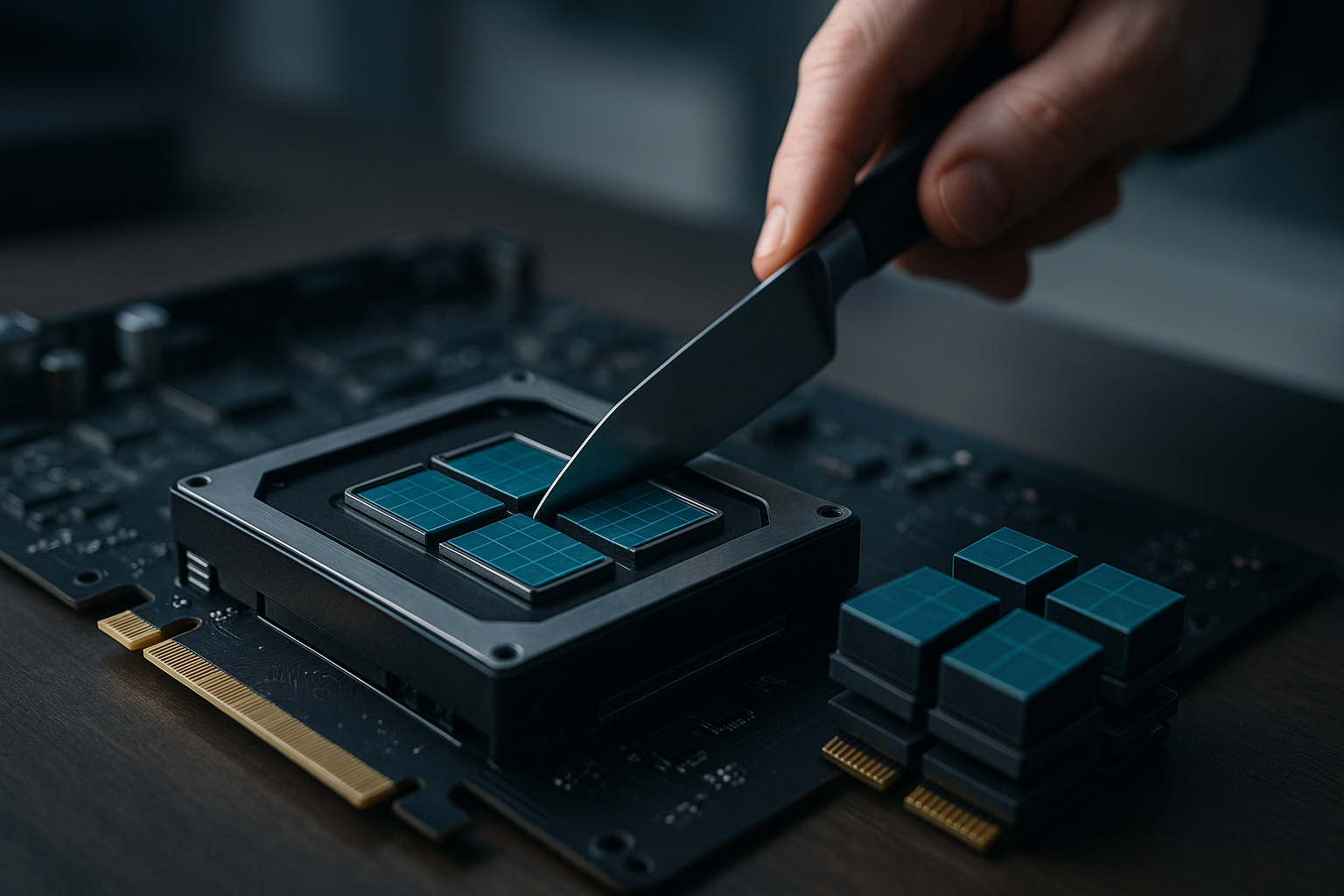
Unlock Massive Token Throughput with Run:ai GPU Fractions
Run:ai GPU fractions make it possible to run more AI workloads per GPU by slicing memory and time-sharing compute across concurrent jobs—raising effective token throughput while reducing idle capacity and wait times for teams running model serving, fine-tuning, or notebooks [1][2][3].
Executive summary: Why fractions matter
Idle memory and uneven utilization leave GPUs underused, stretching budgets and queue times. By letting users request a fraction of a device—either as a GPU portion or explicit memory amount—the scheduler can place jobs based on real footprints instead of one-job-per-GPU, improving bin-packing and reducing wait times. Administrators gain fine-grained quotas while still allowing opportunistic over-quota use when capacity is free [1][2][3].
What are Run:ai GPU fractions? Core concepts explained
Run:ai slices a physical GPU into isolated logical units by allocating a dedicated memory region per pod and enforcing hard limits. Each workload receives its own virtual GPU address space, preventing overruns and cross-job interference. Compute is shared via NVIDIA time-slicing or Run:ai’s dynamic time-slicing, allowing mixed workloads—serving, interactive notebooks, or training—to run concurrently with predictable behavior. Fractions are fully dynamic (0–100%) and can be allocated or freed at runtime, including across multi-GPU jobs where each device can be requested at a consistent fraction (e.g., 40 GB on 80 GB H100s) [1][2][3].
How sharing works: NVIDIA time-slicing vs dynamic time-slicing
Compute sharing relies on NVIDIA’s time-slicing or an optional Run:ai dynamic time-slicing mode for finer-grained control. This enables concurrent jobs with different utilization patterns to coexist, improving overall throughput without application code changes. Dynamic GPU time-slicing helps smooth bursty or interactive usage while keeping memory isolation intact [1][2][3].
Fractions vs MIG: flexibility over fixed partitions
Unlike NVIDIA MIG, which exposes a small set of static, pre-sized GPU slices, fractions let teams request arbitrary, on-demand slices that match actual memory needs. This flexibility avoids the sizing constraints of fixed partitions and helps pack model serving on GPUs more efficiently, especially when workloads vary in size or change over time. Fractions remain consistent across multi-GPU configurations and apply to a broad range of CUDA-enabled NVIDIA GPUs, including architectures beyond those where MIG is available [1][2][3].
Real benefits: throughput, wait-time reduction, and utilization gains
Because jobs are placed based on true memory footprints rather than full-device reservations, clusters can run more concurrent serving or fine-tuning tasks on the same hardware. Smaller requests fit into fragmented capacity and reduce idle time, lowering queue times for bursty or notebook-style work. In practice, this improves effective token throughput by increasing parallelism on each GPU while preserving isolation and limits [1][2][3].
Implementation guide: Kubernetes and EKS integration
Fractions integrate with Kubernetes schedulers so users request GPU memory and compute fractions similar to CPU semantics. The Run:ai scheduler finds nodes that can satisfy a job’s fractional request, then a GPU-fractions component on the node allocates the memory region and enforces limits. This approach works across diverse NVIDIA GPUs and coexists with multiple CUDA versions and container images. For teams on Amazon EKS, the feature is designed to maximize GPU utilization without changing application code, aligning with AWS guidance on integrating Run:ai in Kubernetes-based environments [1][2][3][5]. For deeper configuration details, see the Run:ai GPU Fractions documentation (external) [2].
Operational best practices: quotas, dynamic memory, and multi-GPU
- Quotas: Apply granular quotas (e.g., 0.5 GPU per user) to control fair sharing and guardrails, while enabling opportunistic over-quota use when capacity is available [1][2][3].
- Dynamic requests/limits: Use dynamic GPU memory requests and limits so small workloads can start quickly but burst when headroom exists—akin to CPU semantics in Kubernetes [1][2][3].
- Multi-GPU consistency: For distributed training or serving, request consistent fractions per device across all GPUs in the job for predictable scaling and isolation [1][2][3].
- Monitoring: Track utilization and fragmentation to ensure bin-packing remains efficient as workloads vary over time. Run:ai is used in workload management and orchestration contexts where such visibility matters [4].
Use cases
- Model serving: Increase parallelism by placing multiple models per device based on real memory footprints, improving throughput per GPU [1][2][3].
- Notebooks and bursty jobs: Reduce queue times and improve responsiveness for interactive workflows via time-slicing and flexible memory allocation [1][2][3].
- Mixed fleets: Apply GPU fractional allocation consistently across Pascal, Volta, Ampere, Hopper, and Blackwell generations, integrating with existing Kubernetes platforms like EKS [1][2][5].
Migration considerations
- Compatibility: Confirm GPU generations and CUDA environments across your fleet; fractions work across a wide span of NVIDIA hardware and images [1][2].
- Resource design: Define per-team quotas and default requests/limits to balance fairness with burst capacity [1][2][3].
- Pilot and rollback: Start with representative serving and notebook workloads, validate isolation and throughput, and plan rollback criteria. Organizations commonly approach this within a broader workload orchestration strategy [4][5].
For more practical strategies and frameworks, Explore AI tools and playbooks.
Sources
[1] GPU Fractions | Self-hosted v2.20 – NVIDIA Run:ai Documentation
https://run-ai-docs.nvidia.com/self-hosted/2.20/platform-management/runai-scheduler/resource-optimization/fractions
[2] GPU Fractions | SaaS – NVIDIA Run:ai Documentation
https://run-ai-docs.nvidia.com/saas/platform-management/runai-scheduler/resource-optimization/fractions
[3] GPU Fractions – Run:ai Researcher Docs
https://docs.run.ai/v2.20/Researcher/scheduling/fractions/
[4] Workload Management & Orchestration Series: NVIDIA Run:ai – WWT
https://www.wwt.com/blog/workload-management-and-orchestration-series-nvidia-runai
[5] Maximizing GPU Utilization using NVIDIA Run:ai in Amazon EKS
https://aws.amazon.com/blogs/containers/maximizing-gpu-utilization-using-nvidia-runai-in-amazon-eks/
