
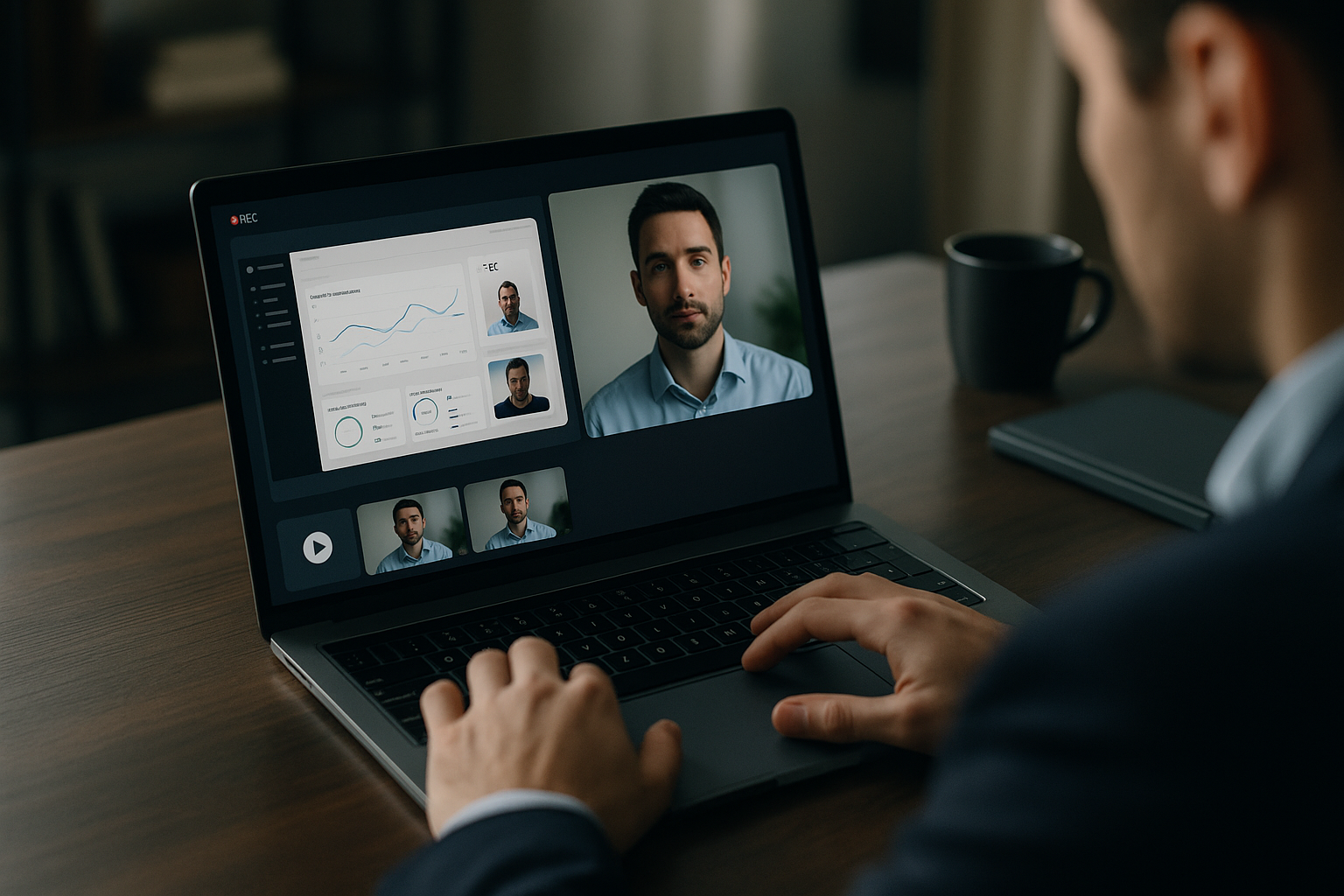
Trupeer AI review: AI-powered video creation from screen recordings
For many software and SaaS teams, producing clear product walkthroughs, onboarding videos, and internal training content is a recurring need that often competes with everything else on the roadmap. Screen recordings are quick to capture, but turning them into something polished usually requires editing skills and time that smaller teams do not always have.
This Trupeer AI review looks at a tool built for that exact problem. Trupeer AI is an AI-powered video platform that automatically turns screen recordings into polished product videos and accompanying guides. It targets teams and individuals who need studio-quality product videos, instructional content, and knowledge bases with minimal manual editing. This ToolScopeAI review focuses on how it fits into real workflows, who it serves best, and where the trade-offs are.
What Trupeer AI is and how it works
Trupeer AI is an AI-powered video platform that automatically turns screen recordings into polished product videos and accompanying guides. Instead of manually editing clips, adding voiceovers, and writing separate documentation, you upload or capture a screen recording and let the platform handle most of the production work.
The idea is to give teams a faster way to produce studio-quality product videos, instructional content, and knowledge base materials from the raw capture they are already creating. For SMB operators and team leads, this can help replace ad hoc, one-off videos with more consistent, reusable assets without needing a dedicated video editor.
Who Trupeer AI is for
Trupeer AI is ideal for software teams, SaaS companies, customer success and training teams who want to produce training videos, product walkthroughs, and onboarding materials quickly. It is oriented toward teams that already rely on screen recordings but want a more professional output and supporting guides.
For smaller and mid-sized teams, the fit is strongest if:
- You regularly onboard new users or staff to a software product.
- Your customer success team maintains a knowledge base and wants more visual content.
- Your sales or marketing teams use product demos but lack time for detailed video editing.
Larger organizations may also find value, especially where training and documentation content is produced at scale, but some enterprise-grade collaboration features are gated behind higher-tier plans.
Core use cases
- Onboarding and training from screen recordings: For product teams who want to create training and onboarding videos from screen recordings, Trupeer AI can turn raw captures into structured walkthroughs. This fits well for new feature tours, admin training, or internal enablement content.
- Sales demos and product overviews: For sales and marketing teams who need demo or product overview videos with captions and branded elements, the platform’s AI video generation aims to provide more polished assets that still originate from real product usage.
- Knowledge base videos and guides: For customer success teams who require knowledge base videos and step-by-step guides, Trupeer AI can support a more visual help center where each article is backed by both a guide and a corresponding video.
- Multilingual and accessible content: For teams seeking translated or subtitled AI-generated videos with avatars and voiceovers, Trupeer AI offers translation and subtitle capabilities so a single recording can serve multiple audiences.
Across these use cases, the value of the platform hinges on how well Trupeer AI features reduce editing time and make it easier to maintain accurate, up-to-date content. If you are comparing options and care about Trupeer AI pricing and workflow fit, testing one or two of these scenarios will give the clearest signal.
Strengths and advantages
- AI videos from screen recordings: Trupeer AI generates AI videos from screen recordings with avatars and voiceovers, so teams can move from a simple capture to something that feels closer to a produced tutorial or demo without manual narration or on-camera talent.
- Unlimited guides on higher tiers: The platform includes unlimited guides in higher-tier plans, which is helpful for teams that maintain larger knowledge bases or extensive internal documentation.
- Branding and collaboration options: Paid tiers offer branding, watermark removal, and team collaboration features, allowing companies to present on-brand videos and coordinate content creation across multiple team members.
- Translations and subtitles: Trupeer AI provides translations and subtitle capabilities, which can improve accessibility and support international customers without requiring separate tools for localization.
- Export and sharing: The platform supports export of videos and basic sharing pages, so teams can either host assets where they already work or share simple links for customers and colleagues.
- Free starting plan: A free starting plan lets teams try the platform without committing budget upfront, which is useful if you want to validate fit before looking more deeply at Trupeer AI review and pricing details.
Limitations and trade-offs
- Plan-based limits on the free tier: The pricing structure is plan-based with limits on minutes and exports in the free tier. This means very active teams may quickly outgrow the free plan and need to upgrade to maintain their workflow.
- Advanced features gated to higher tiers: Some features, such as enterprise-grade team features, are gated behind higher-tier plans. Organizations that need more advanced collaboration and control will need to budget for those higher levels.
- Lack of published performance benchmarks: Explicit reliability or performance benchmarks are not provided on the pricing page. If you care about metrics like rendering speed or uptime, you will need to evaluate these through direct use or by contacting the vendor.
These trade-offs do not prevent Trupeer AI from being useful, but they do shape which teams and use cases get the best value at different plan levels.
Competitors and alternatives
The AI video and screen recording space is crowded, and many buyers will look at Trupeer alternatives before committing. The input identifies several well-known tools in this area:
- Loom: Often associated with quick screen recordings and video messaging. In a Trupeer vs Loom comparison, Loom tends to focus on fast capture and sharing, while Trupeer AI emphasizes turning recordings into more polished AI-generated videos and guides.
- Camtasia: Known as a traditional screen recording and video editing solution. In a high-level Trupeer vs Camtasia view, Camtasia represents a more manual editing approach, whereas Trupeer AI aims to automate production from screen captures using AI.
- Guidde: Positioned in the space of guided product documentation and video-based instructions. A Guidde vs Trupeer comparison would likely center on how each tool handles turning workflows into shareable guides and videos.
- Scribe: Associated with step-by-step documentation from workflows. Scribe vs Trupeer comparisons typically come up when teams are deciding between static guides and richer, AI-generated video content with voiceovers and avatars.
- Synthesia: Recognized in the market for AI-generated video with avatars and voiceovers. Trupeer AI appears closer to product-focused screen recording workflows, while Synthesia is often used more broadly for AI avatar video content.
Since detailed feature lists and pricing for these competitors are not part of this Trupeer.ai review input, teams should check each vendor’s site directly for specifics. The choice usually comes down to whether you prioritize quick recording, deep manual editing, or automated production from screen captures.
Pricing and accessibility
The available information indicates that Trupeer AI has a plan-based pricing structure, including Free, Pro, Scale, and Enterprise plans. The free tier has limits on minutes and exports, which keeps it suitable for light use, testing, or small proof-of-concept projects.
Higher-tier plans include benefits such as unlimited guides, branding and watermark removal, and more advanced team collaboration features, with enterprise-grade capabilities reserved for the top tier. Exact prices, minute allocations, and export limits are not disclosed in the provided data, so concrete figures and full Trupeer AI pricing details are unknown based on current verified sources. For up-to-date costs and plan breakdowns, you should review the pricing page on the official site at trupeer.ai.
How Trupeer AI fits into a real workflow
For SMB teams, the practical question is how Trupeer AI video generation can reduce manual work without creating a new layer of complexity. Here are some realistic patterns based on the described features and ICP:
- New feature launches: When shipping a new feature, a product manager or designer records a walkthrough once. Trupeer AI turns that into a polished explainer video plus a guide that can be reused in release notes, onboarding flows, and support documentation.
- Onboarding sequences for new customers: Customer success teams maintain a series of core workflow recordings. These are converted into branded videos with voiceovers and subtitles that form the backbone of an onboarding academy or welcome email sequence.
- Internal training for tools and processes: Operations or IT teams capture how to use internal systems. Instead of long written SOPs, employees get short, AI-enhanced videos with step-by-step guides attached.
- Support center enrichment: For common support tickets, agents record a solution once and let Trupeer AI produce a reusable knowledge base video and guide. Over time this can reduce repeat tickets and improve self-service rates.
- Localized help content: Teams serving multiple regions can start with a single English-language recording and use Trupeer AI’s translation and subtitle capabilities to produce localized versions for other languages, keeping help centers more consistent across markets.
Implementation tips for teams
Rolling out a new content tool works best when it is scoped carefully. A few practical guidelines:
- Start with one or two workflows: Choose a specific use case, such as a core onboarding flow or your most common support issue, and run a small pilot. Avoid trying to migrate your entire knowledge base at once.
- Use the free plan to test fit: Since Trupeer AI offers a free starting plan with limits, use that to understand editing flow, video quality, and how guides fit your existing documentation style before committing to a paid tier.
- Define what “good enough” looks like: Agree on basic standards for clarity, length, and branding so creators know when a Trupeer AI video and guide are ready to publish.
- Map content to channels: Decide ahead of time where each type of output will live, whether embedded in your app, in a help center, or shared via direct links. This avoids content getting created but not used.
- Review and update periodically: Assign someone to revisit key videos and guides on a schedule. Since product interfaces change, having a simple review cadence keeps AI-generated content accurate.
Verdict: is Trupeer AI right for you?
Trupeer AI is best suited to software and SaaS teams that already rely on screen recordings and want to turn them into more polished, reusable videos and guides without hiring dedicated video staff. Its strengths lie in AI-assisted production from screen captures, support for avatars and voiceovers, translations and subtitles, and the ability to create and scale guides, especially on higher-tier plans.
The main trade-offs are the plan-based limits, particularly on the free tier, and the fact that some advanced team features sit behind higher-priced plans. Clear performance benchmarks are not publicly detailed, so you will need to assess quality and speed in your own environment.
If your team is spending noticeable time editing how-to videos or maintaining written documentation that users rarely read, Trupeer AI is worth testing. Use the free plan for a focused pilot on one or two workflows, then decide whether its pricing and feature set align with how central video content is to your product and support strategy.
