
Airtable Automations review: features, use cases, pricing, and verdict
Most small and mid-sized teams lose hours each week on manual updates: copying data between tools, pinging people when something changes, and enforcing the same process over and over. That’s the gap automation is supposed to close—without forcing you to hire developers or maintain complex scripts.
This Airtable Automations review looks at how Airtable’s built-in automation features tackle that problem. Airtable Automations lets teams connect Airtable with other tools and automate repetitive tasks without code. It supports triggers, actions, and optional scripting to build multi-step workflows inside Airtable bases.
Below is a clear, honest ToolScopeAI review focused on practical use, trade-offs, and where Airtable Automations fits in a real small-business workflow.
What Airtable Automations is and how it works
Airtable Automations is the native automation layer inside Airtable bases. Airtable Automations lets teams connect Airtable with other tools and automate repetitive tasks without code. It supports triggers, actions, and optional scripting to build multi-step workflows inside Airtable bases.
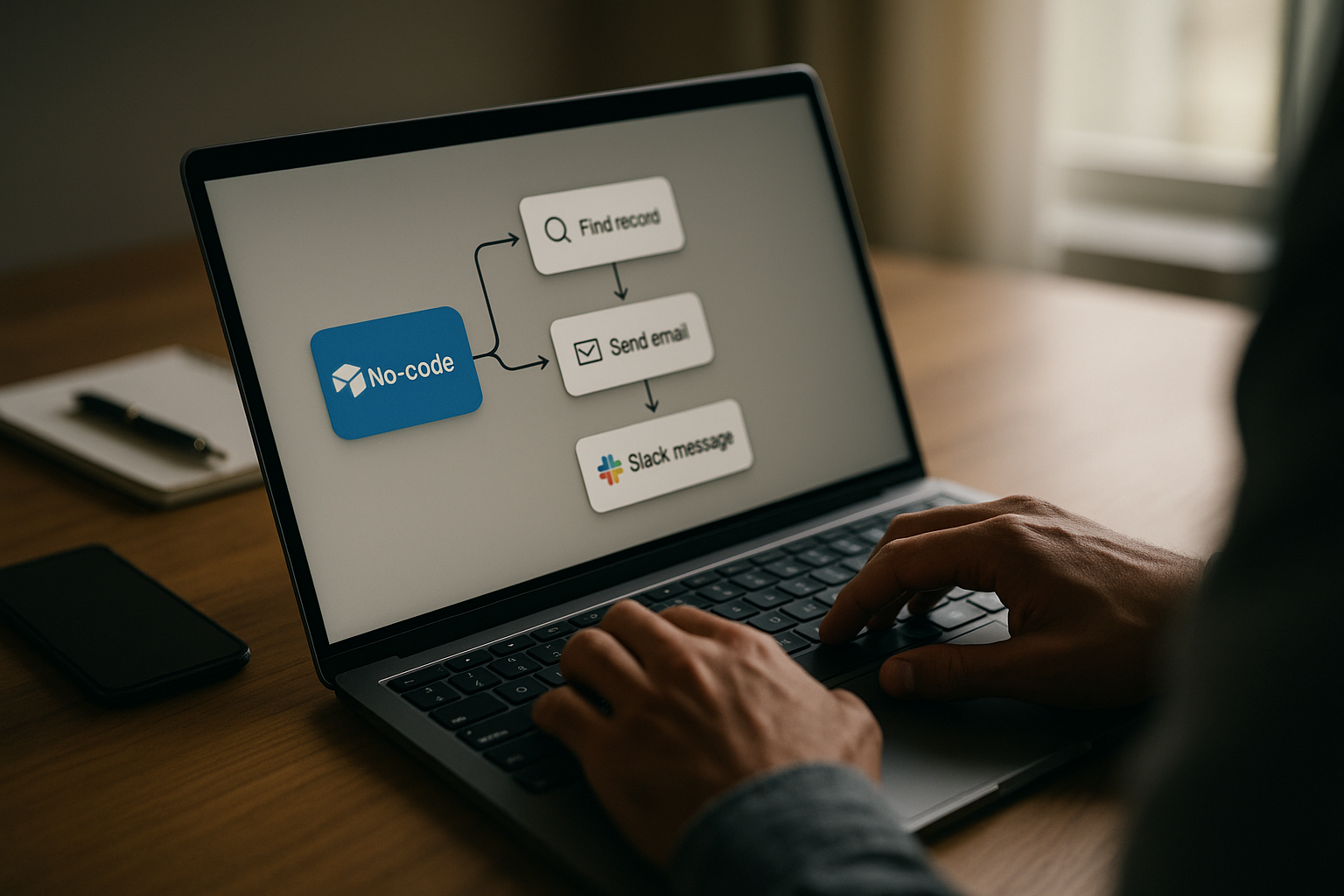
In practice, that means you can set up a trigger (like a record changing or meeting a condition) and define one or more actions (like sending a notification, updating another record, or calling out to another service). For teams bogged down in status updates and manual follow-ups, this is a way to turn repeatable steps into automated workflows, right where your data already lives.
Who Airtable Automations is for
Airtable Automations is ideal for small to medium teams that want to automate routines within Airtable and integrate with commonly used tools, without heavy coding requirements. If your work already runs on Airtable—or you plan to move key processes there—it’s designed to help you standardize and automate that work.
It’s a good fit if you:
- Run operational, marketing, product, or project workflows out of Airtable bases.
- Use collaboration tools like email, chat, or social platforms alongside Airtable and want them to stay in sync.
- Prefer a no-code builder, but like the option to add custom logic using code when necessary.
- Want automation included in your existing Airtable setup instead of adding a separate automation platform.
If you rarely touch Airtable, or your processes live across many systems that don’t center on Airtable data, this may not be your primary automation hub.
Core use cases
- Automated notifications on record changes: For teams who want to automate notifications when a record changes, Airtable Automations can watch for updates and then send alerts. This keeps stakeholders informed without someone manually pinging people every time a status or field is updated.
- Task routing to the right teammates: For departments that need to route tasks to the right teammates based on conditions, automations can assign or notify specific people when records meet certain criteria. This helps ensure nothing gets stuck unassigned or misrouted.
- Standardized multi-step workflows: For teams aiming to standardize processes across bases with multi-step workflows, you can chain several actions together from a single trigger. This is one of the clearest Airtable automation examples: a status change could update fields, create new records, and notify a channel in sequence.
- Integrations with everyday tools: For organizations using Airtable alongside Google Workspace, Slack, and social platforms, automations provide a way to connect those tools to your Airtable data. This reduces duplicate data entry and keeps external tools in sync with your base.
- Advanced workflows with scripting: For users who want to extend functionality with code when needed, Airtable automation scripting allows JavaScript actions for custom logic or more complex branching than the no-code options alone. This is useful when business rules don’t fit into simple if/then structures.
Strengths and advantages
- No-code builder for common workflows: Airtable Automations provides a visual, no-code automation builder for common workflows, so non-technical team members can create and adjust automations without writing code.
- Multi-step workflows with triggers and actions: It supports multi-step workflows with triggers and actions, letting you chain several steps from one event (for example, update a record, then send notifications, then create follow-up tasks).
- Integrations with popular tools: Airtable Automations integrates with popular tools and services, enabling you to connect your bases to the other apps your team already uses as part of daily work.
- Optional JavaScript for customization: It allows JavaScript actions for advanced customization, so power users or developers can add logic, transformations, or more complex flows when the no-code options aren’t enough.
- Predictable automation run counts: Automation run counts reset by plan and are documented in Airtable support, giving teams clarity on how much automation capacity they have within their plan and how that affects Airtable Automations limits.
- Included in Airtable plans: Airtable Automations is included within Airtable plans without needing a separate automation tool, reducing the need to pay for—or manage—an additional standalone automation platform.
Limitations and trade-offs
- Run limits by plan: Automation run limits per plan can be a constraint and vary by plan. If your automations run very frequently, you may need to monitor usage closely or adjust how often certain workflows trigger.
- Per-base automation cap: A base-level limit is often cited as 50 automations per base in community discussions. This means very complex bases with many narrow automations might hit structural limits and require consolidation or rethinking how workflows are organized.
- Scaling may require higher-tier plans: Some features require higher-tier plans or careful planning to scale. As your automation footprint grows, you may need to evaluate plan options or redesign automations to stay within available resources.
Detailed, plan-by-plan limits and features are not fully specified here; for precise constraints, Airtable’s own documentation and pricing pages are the authoritative sources.
Competitors and alternatives
When you look at Airtable automation alternatives, the main comparison is between staying inside Airtable versus using standalone automation platforms.
- Airtable Automations vs Zapier: Zapier is a well-known standalone automation tool that connects many apps. By contrast, Airtable Automations is built directly into Airtable and focuses on workflows centered on Airtable bases rather than being a general-purpose automation hub.
- Airtable Automations vs Make (formerly Integromat): Make/Integromat is another dedicated automation platform. Airtable Automations, in comparison, is oriented around Airtable data and is included within Airtable plans, making it more of a native option than a separate system.
- Microsoft Power Automate: Microsoft Power Automate is positioned as an automation solution in the broader Microsoft ecosystem. Airtable Automations instead focuses on Airtable-centric workflows rather than deep integration into Microsoft-specific products.
- Tray.io: Tray.io is also listed as a competitor in the automation space. Compared with these standalone tools, Airtable Automations emphasizes convenience for teams already working heavily inside Airtable, trading some breadth for native integration.
If you primarily live in Airtable and want simple-to-moderate workflows, the built-in option reduces tool sprawl. If you need more cross-app automation unrelated to Airtable, tools like Zapier, Make, Integromat, Microsoft Power Automate, or Tray.io may still be part of your stack.
Pricing and accessibility
Airtable Automations is included within Airtable plans without needing a separate automation tool. Automation run counts reset by plan, and their specifics are documented in Airtable support.
However, exact Airtable Automations pricing details (such as per-seat costs, exact tiers, or free allowances) are not provided in the available information. Concrete pricing structures, free tiers, and any promotional details are unknown based on current verified sources in this review.
To understand precise costs, limits, and which automation features come with each Airtable plan, you should check the official Airtable Automations and Airtable pricing pages directly.
How Airtable Automations fits into a real workflow
Here are a few ways SMB teams can practically fold Airtable Automations into daily work, based on the core use cases:
- Marketing and content teams: Use a content calendar base where status changes (like “Ready for Review” or “Published”) trigger notifications to editors or social media owners. Automations can also coordinate with social platforms as part of the same workflow.
- Operations and service teams: In a ticket or request-tracking base, route new or escalated records to the right teammates based on type, region, or urgency. Automations can update fields, assign owners, and send alerts as conditions change.
- Project management across departments: Standardize how projects move through stages by building multi-step workflows. When a project reaches a certain milestone, an automation might create follow-up tasks, update key fields, and notify stakeholders all at once.
- Admin and internal tools for small teams: For organizations using Airtable alongside Google Workspace and Slack, use automations to tie basic business processes (like approvals, onboarding steps, or recurring check-ins) into your communication channels.
- Advanced internal tools with light coding: When business rules get complex, lean on Airtable automation scripting. A power user can write JavaScript inside an automation step to apply detailed logic while keeping all data and triggers inside Airtable.
Implementation tips for teams
You don’t need to automate everything at once. A gradual rollout helps you validate value and avoid hitting Airtable Automations limits unexpectedly.
- Start with one high-impact workflow: Pick a simple, repetitive process that happens many times per week—like status-change notifications or basic task routing—and automate that first.
- Keep early automations simple: Use the no-code builder before jumping into scripting. This makes it easier for non-technical teammates to understand, maintain, and adjust workflows.
- Document triggers and owners: For each automation, write down what triggers it, what it does, and who owns it. This helps prevent confusion when you approach the base-level cap or need to troubleshoot behavior.
- Monitor run usage and limits: Because run counts are tied to plans, keep an eye on how often automations fire. If a workflow runs too frequently, consider tightening conditions so it only triggers when needed.
- Iterate and expand: Once your first few automations prove useful, expand to other workflows across bases, always checking that new automations truly save time and fit within your plan’s limits.
Verdict: is Airtable Automations right for you?
Airtable Automations is strongest for small to medium teams that already rely on Airtable and want to automate routines, standardize processes, and integrate with everyday tools like Google Workspace, Slack, and social platforms without heavy coding. The no-code automation builder, support for multi-step workflows, and optional JavaScript actions give you a spectrum from simple to advanced automation while keeping everything anchored in your bases.
The main trade-offs are the automation run limits tied to each plan, the often-cited cap on automations per base, and the possibility that some scaling needs will push you toward higher-tier plans or more careful workflow design. For many teams, the fact that automations are included within Airtable plans and don’t require a separate automation product is a meaningful advantage.
If your work lives in Airtable, you need reliable notifications, task routing, and standardized multi-step workflows, and the documented constraints fit your volume, Airtable Automations is worth testing with a small pilot before a wider rollout.
