
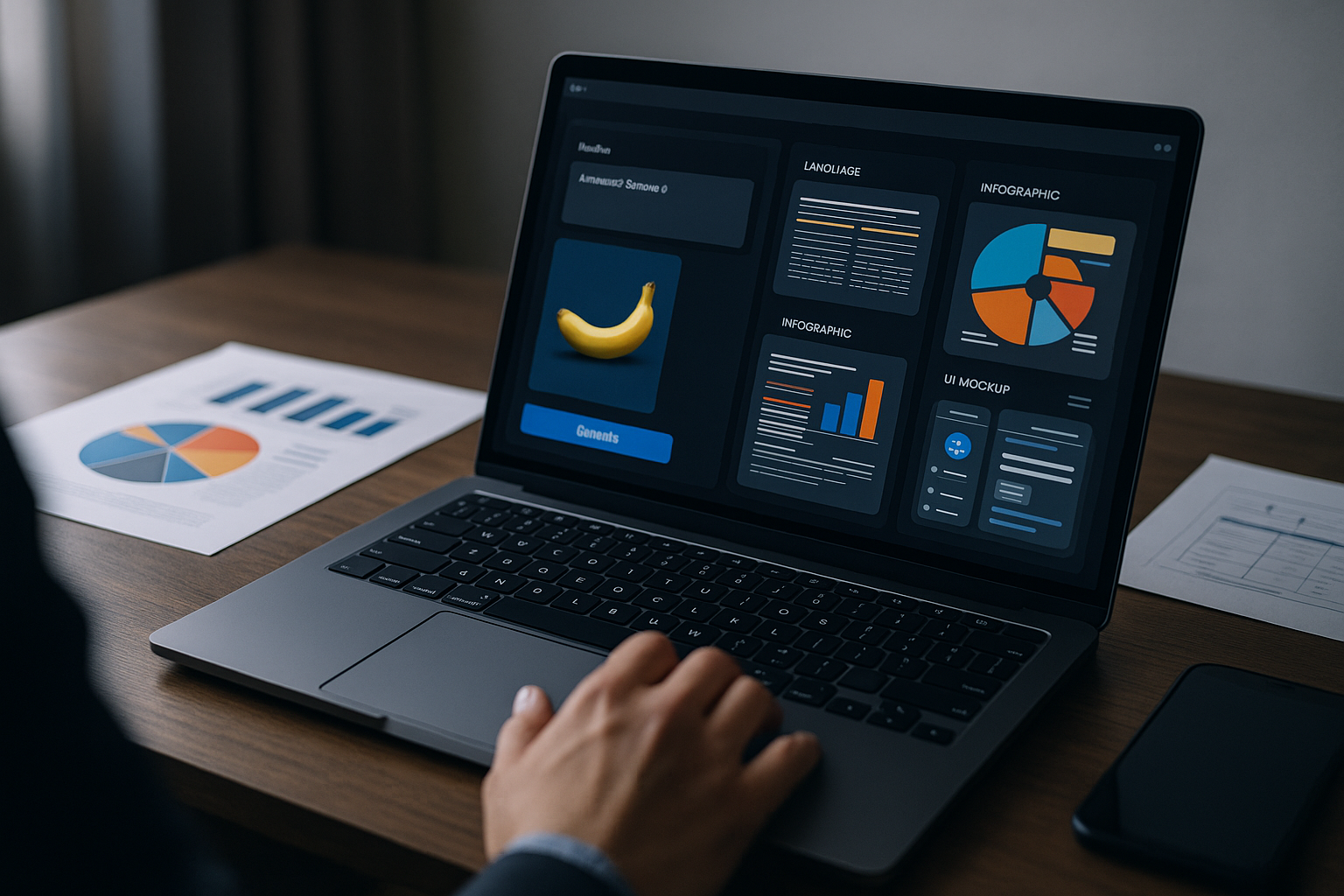
Nano Banana 2 Review: Google’s Gemini Image Model for Marketers
Nano Banana 2 arrives as a meaningful step forward for teams that rely on structured, information-dense visuals—think infographics, UI mocks, and campaign creative. In this Nano Banana 2 review, we examine how Google’s Gemini-based upgrade tightens prompt adherence, dramatically improves text rendering, and opens formerly paywalled capabilities to more users, including those in the free Gemini tier and AI Mode in Search [1][3].
What’s new in Nano Banana 2 — key features at a glance
Google positions Nano Banana 2 as a major upgrade over the original, and a close sibling to the paid Pro tier. The model emphasizes text-accurate, multilingual image generation, localized translation within images, and stronger prompt following for complex, structured requests [1][3][4]. It’s tuned for clean, brand-safe marketing visuals across infographics, diagrams, UI mocks, charts, and product graphics [1][3][4].
Key highlights for marketers and designers include:
- Improved text rendering and multilingual support for labels, annotations, and headlines [1][3][4]
- Consistency controls that can maintain up to five characters and as many as 14 objects across a workflow [1][4]
- Fine-grained control over lighting, texture, style, aspect ratio, and resolution—from 512px concept shots to 2K–4K production outputs [1][4]
- Image-to-image editing that accepts up to 14 reference images, with semantic edits that preserve core content, powered by Gemini’s multimodal reasoning [2][3]
Nano Banana 2 review — Image-to-image workflows and semantic edits
One of the more practical upgrades is Nano Banana 2 image-to-image editing. Designers can supply up to 14 reference images and apply high-level instructions—such as changing lighting, material, or layout—while the model preserves key objects and relationships [2][3]. A simple step-by-step approach:
- Gather references: Collect product photos, style swatches, and layout examples (up to 14) that represent the target look and structure [2].
- Specify constraints: Define which elements must remain consistent (e.g., product angle, brand colors, or a set of icons) [2][3][4].
- Apply semantic edits: Use clear prompts for style and layout shifts—e.g., “convert to studio lighting,” “swap background to neutral gradient,” “keep label hierarchy” [2][3].
- Iterate at increasing resolution: Start at lower resolution for speed, then scale to 2K–4K with the same prompt and references for final production [1][2][4].
- QA text and data: Re-check any rendered copy or numbers before export [4][5][6].
Enterprise users report related Gemini 3.1 image models already upgrade low-quality inputs into studio-like assets while remaining fast enough for iterative design—an encouraging signal for teams evaluating similar workflows in this release [3].
Use cases: marketing, infographics, UI mocks, and e-commerce
Given its precision with layout, text, and consistency, Nano Banana 2 is well suited for:
- B2B and SaaS marketing visuals: ad creatives, product explainers, and dashboards with readable captions [1][3][4]
- Infographics and charts: multilingual labels and clear typographic hierarchies [1][3][4]
- UI mocks and diagrams: structured grids, icon sets, and component consistency [1][4]
- E-commerce: upgrading everyday product images toward a studio aesthetic using iterative image-to-image steps [2][3]
For teams building repeatable brand assets, this release shifts the Google Gemini image model lineup closer to a production-ready toolset [1][3][4].
Comparisons: Nano Banana 2 vs Midjourney vs DALL·E/GPT-4 vs Nano Banana Pro
Across general-purpose, text-heavy work, recent comparisons place Nano Banana 2 and Pro near the top for clarity and brand safety [4][5][6]. Midjourney remains the pick for highly stylized, artistic compositions and atmospheric scenes [4][5][6]. DALL·E/GPT-4 image continues to shine in conversational, iterative refinement loops—useful when teams co-create visuals through back-and-forth adjustments [4][5][6].
As for Nano Banana Pro vs Nano Banana 2, this release brings many capabilities once behind a paywall to the broader user base, while paid plans still offer fuller access and enterprise-grade options [1][3][5][6].
Access, pricing, and enterprise availability
Many of the most requested features—text-accurate generation, multilingual support, stronger prompt adherence—are now available to free Gemini users, including access via AI Mode in Google Search. Paid Google AI plans expand capabilities and integration paths for enterprises [1][3][5][6]. Google also highlights enterprise momentum with related Gemini image models that deliver Pro-level output quality at speeds suitable for iterative workflows [3].
For a deeper look at Google’s broader roadmap, see the Google AI Blog (external).
Prompt engineering and production tips for consistent assets
- Lock core elements early: Name up to five recurring characters and list up to 14 key objects that must persist across frames [1][4].
- Be explicit about layout: Use grid terms (rows, columns, margins), hierarchy (H1/H2 labels), and alignment to guide structured visuals [1][4].
- Scale deliberately: Iterate quickly at lower resolutions, then upscale to 2K–4K once the composition and copy are set [1][4].
- Control style variables: Specify lighting, materials, and texture to reduce variability across campaign assets [1][4].
If you’re building a broader workflow, you can also explore AI tools and playbooks.
Limitations, verification, and brand safety
While reviewers note improved prompt adherence and text quality, teams should still proofread any generated copy and validate data before publishing, especially in regulated categories. Model quirks can remain, so maintain a QA pass in the pipeline and track versioned prompts for consistency over time [4][5][6].
Conclusion
Nano Banana 2 advances Google’s standing for structured, text-forward imagery and gives more users access to capabilities that matter in real production. For brand-safe marketing visuals, infographics, and UI mocks, it’s a strong default. For maximal style and mood, consider Midjourney; for conversational refinement, DALL·E/GPT-4 still sets the pace. Most teams should trial this release first—starting in the free tier, then evaluating paid options as workflows mature [1][3][4][5][6].
Sources
[1] Google’s Nano Banana 2 brings advanced AI image tools to free users
https://www.theverge.com/tech/885275/google-nano-banana-2-ai-image-model-gemini-launch
[2] Nano Banana 2 [image edit] – Fal.ai
https://fal.ai/models/fal-ai/nano-banana-2/edit
[3] Bringing Nano Banana 2 to enterprise | Google Cloud Blog
https://cloud.google.com/blog/products/ai-machine-learning/bringing-nano-banana-2-to-enterprise
[4] Nano Banana 2.0 vs Midjourney vs DALL·E |img2img AI
https://www.img-2-img.com/posts/Nano-Banana-Comparison
[5] Best AI Image Generators of 2026 – CNET
https://www.cnet.com/tech/services-and-software/best-ai-image-generators/
[6] The 8 best AI image generators in 2026 – Zapier
https://zapier.com/blog/best-ai-image-generator/
