
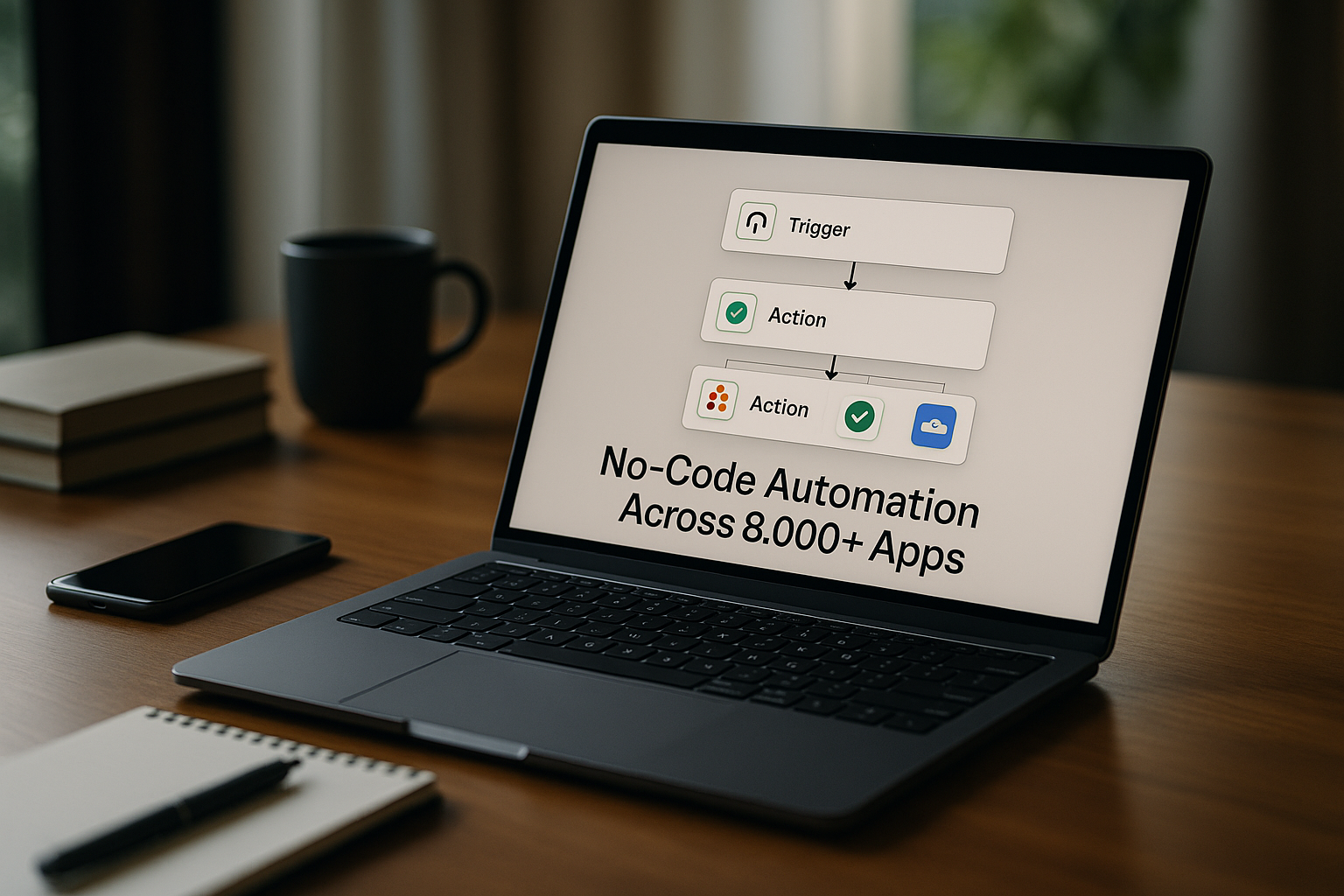
Zapier Review: No-Code Automation Across 8,000+ Apps
Most small and mid-sized businesses run on a patchwork of apps: CRM, email, chat, project management, support, and more. Manually moving data between these tools eats up time, causes errors, and slows teams down.
Zapier is a no-code automation platform that lets users connect apps to automate tasks by creating workflows called Zaps. It is designed for individuals and teams who want to automate routine work without writing code, across a wide range of applications. In this Zapier review, we’ll look at how it actually fits into everyday business workflows, where it shines, and where its limits show up.
This is a clear, practical ToolScopeAI review aimed at helping busy operators decide if Zapier is worth testing in their own stack.
What Zapier is and how it works
Zapier is a no-code automation platform that lets users connect apps to automate tasks by creating workflows called Zaps. It is designed for individuals and teams who want to automate routine work without writing code, across a wide range of applications.
In practice, you choose a trigger event in one app (like “new lead in CRM”) and define one or more actions in other apps (like “send Slack notification” or “create task in project management”). This reduces repetitive data entry and keeps systems in sync without needing developer time.
For SMB teams juggling multiple tools, this means less time copying and pasting data and more time focusing on customers, sales, and operations.
Who Zapier is for
Zapier is ideal for small and mid-sized teams, as well as larger organizations, seeking to automate repetitive business processes without developer resources. If you’re using several SaaS tools and finding your team repeatedly doing the same clicks or exports, you’re in the target audience.
It’s especially relevant for:
- Founders and operators who want to streamline processes without building internal engineering capacity.
- Marketing, sales, and customer success teams that live in CRMs, email platforms, and chat tools and need them to talk to each other.
- Operations and product teams that coordinate work across project management, support, and analytics tools.
If your workflows are mostly digital and span multiple apps, Zapier is likely a strong fit. If your processes are mostly offline or live in a single all-in-one platform, the benefits may be smaller.
Core use cases
Zapier can support a wide range of workflows. Here are core Zapier workflows use cases grounded in how teams typically work:
- Marketing lead capture and routing
For marketing teams who want to automate lead capture and routing to a CRM, Zapier can connect form tools, landing pages, or ad platforms to your CRM and email systems. This helps ensure every lead is captured and sent to the right list or lifecycle stage without manual imports. - Sales alerts and assignment
For sales teams who want to notify and assign new leads in Slack or email, Zapier can trigger alerts when a new contact is created or a deal is updated. This keeps reps responsive and aligned without someone manually pinging the team about every new opportunity. - Operations data syncing
For operations teams who want to sync data between project management, CRM, and support tools, Zapier can pass updates between systems so customer details and task statuses stay current. This reduces confusion about “which system is right” and cuts back on duplicate data entry. - Customer success event-driven workflows
For customer success teams who want to trigger workflows based on customer events, Zapier can kick off follow-ups, tasks, or internal alerts when certain conditions are met (for example, a customer hitting a milestone or a new ticket being created). This supports more proactive, timely engagement. - Product and analytics alerts
For product teams who want to surface alerts and update dashboards across apps, Zapier can route key events or metrics into dashboards, chat channels, or documentation tools. This keeps stakeholders informed without needing to manually pull reports.
These patterns also serve as Zapier automation examples you can adapt to your own stack, depending on which Zapier integrations you rely on most.
Strengths and advantages
- Extensive app integrations: Zapier offers extensive app integrations with thousands of connectors, letting you link most major tools in your stack. This breadth is crucial if your team uses several specialized apps and wants them to work together without custom development.
- No-code, drag-and-drop workflows: Its no-code, drag-and-drop workflow creation lets non-technical users build and adjust Zaps. You don’t need to write scripts or know APIs to get value; business users can own their own automations.
- Pre-built templates and data formatter: Zapier includes pre-built templates and a formatter to standardize data, helping you get started quickly and clean up data as it moves between systems. This is especially helpful when different tools store fields in slightly different formats.
- Wide range of triggers and multi-step workflows: A wide range of triggers and multi-step workflows means you can go beyond simple “if this, then that” rules. You can chain together several steps so that a single event can update records, notify teams, and log data in multiple tools.
- Centralized automation hub: Centralized automation reduces manual data entry and gives you one place to manage many of your repeatable processes. This can improve consistency and visibility into how data flows across your business.
Limitations and trade-offs
- Cost at higher volumes: Pricing can become costly with higher task volumes. As you automate more workflows and run more tasks, your total spend can rise, so budget-conscious teams need to monitor usage.
- Learning curve for complex flows: Advanced or highly customized flows may require learning curves. While simple Zaps are straightforward, designing robust, multi-step automations still demands process thinking and careful configuration.
- Free plan constraints: Free plan limitations limit complex automations. If you rely heavily on automation, you’ll likely outgrow the free tier and need to move to paid plans to access the full power of the platform.
These trade-offs are important when considering Zapier pricing vs competitors and deciding how heavily to lean on automation in your operations.
Competitors and alternatives
If you’re comparing Zapier alternatives, several other automation tools appear frequently in evaluations and “Zapier vs” searches:
- Make (formerly Integromat)
In a Zapier vs Make comparison, both target no-code automation across apps. Based on available information, the main difference in positioning is name and branding; detailed feature differences are not specified here. - Integromat
In Zapier vs Integromat comparisons, Integromat is often mentioned alongside Make and Zapier as another automation option. Specific distinctions in capabilities, pricing, or interface are not detailed in the current data. - Pabbly Connect
Pabbly Connect is another named automation tool. It is positioned as a competitor but specific differences from Zapier (such as feature depth or cost structure) are not provided in the available information. - Tray.io
Tray.io also appears as an alternative automation platform. How it differs from Zapier in terms of target customers or technical depth is not clearly described in the current data. - Microsoft Power Automate
Microsoft Power Automate is a competitor that likely focuses on automation within and around the Microsoft ecosystem, but detailed feature comparisons or pricing differences are not given here.
For an accurate assessment of the best Zapier alternatives for your situation, you’ll need to compare current feature sets and pricing on each vendor’s official site, since specific comparisons beyond this high level are not available in the provided data.
Pricing and accessibility
Concrete Zapier pricing details (such as plan names, exact costs, task limits, or trial structure) are not specified in the current verified information. What is clear is that pricing can become costly with higher task volumes and that free plan limitations restrict more complex automations.
If you’re evaluating Zapier pricing vs competitors like Make or Microsoft Power Automate, you should:
- Estimate roughly how many automated tasks you’ll run per month.
- Check the latest pricing and tiers directly on Zapier’s official site.
- Compare those to the official pricing pages of the alternatives listed above.
Because pricing models can change and are not fully described here, always rely on vendor sites for final budget decisions.
How Zapier fits into a real workflow
For SMB teams, Zapier becomes a quiet layer in the background that moves data and triggers actions while your team focuses on higher-value work. Here are a few practical patterns based on the core use cases:
- Marketing pipeline automation
Marketing captures leads through forms or campaigns, and Zapier pushes those leads into the CRM, tags them appropriately, and alerts the sales channel in Slack or email. Nobody has to export CSVs or manually assign leads. - Sales follow-up coordination
When a salesperson updates a deal or marks a lead as qualified in the CRM, a Zap can create a task for the right team member in your project tool and notify stakeholders. This reduces dropped handoffs between sales and post-sales teams. - Operations system sync
Ops teams can maintain consistency between support systems, CRM, and project tracking by using Zaps to mirror key updates across tools. When a customer’s status changes in one system, other systems stay aligned. - Customer success lifecycle triggers
Customer success can define triggers for key customer events (for example, new account onboarding or renewal milestones) and use Zaps to send internal alerts or create check-in tasks, ensuring timely outreach. - Product monitoring and reporting
Product teams can route important product-related events into dashboards and messaging tools so everyone stays informed of trends and issues without having to pull ad hoc reports constantly.
In all of these, Zapier stays mostly invisible; team members just see that things happen automatically at the right time.
Implementation tips for teams
To adopt Zapier effectively, it helps to be intentional rather than trying to automate everything at once.
- Start with one high-impact workflow: Pick a repetitive task that’s easy to define (for example, lead capture to CRM) and build a single Zap to handle it. This keeps the scope small and lets your team see value quickly.
- Involve the process owners: Have the people who actually do the work help design the automation. They understand the edge cases and can decide when human review is still needed.
- Set guardrails and documentation: Keep a simple list of active Zaps, what they do, and who owns them. This helps avoid confusion and makes it easier to troubleshoot or update workflows later.
- Monitor and iterate: Once a Zap is live, keep an eye on outcomes. Are errors dropping? Are response times improving? Adjust triggers and steps as you learn.
- Scale thoughtfully: As you add more Zaps, stay mindful of task volume so costs don’t escalate unexpectedly, and periodically review which automations are still needed.
Verdict: is Zapier right for you?
Zapier is particularly valuable for small and mid-sized teams, as well as larger organizations, that rely on multiple SaaS tools and want to automate repetitive business processes without developer resources. Its extensive app integrations, no-code, drag-and-drop workflow builder, pre-built templates, and support for multi-step workflows make it well-suited to marketing, sales, operations, customer success, and product teams building cross-tool automations.
The main trade-offs are potential costs at higher task volumes, a learning curve for more advanced automations, and limitations on the free plan. If you fit this profile and the trade-offs make sense, Zapier is worth testing with a small pilot before a wider rollout.
By starting with a few targeted workflows and expanding gradually, you can turn Zapier into a reliable automation layer that reduces manual work and keeps your tools in sync.
